Manual regression is repetitive and increasingly slow.
Test automation
Automation that reduces regression instead of creating another backlog.
We select valuable candidates, build stable tests and connect their results to release decisions.
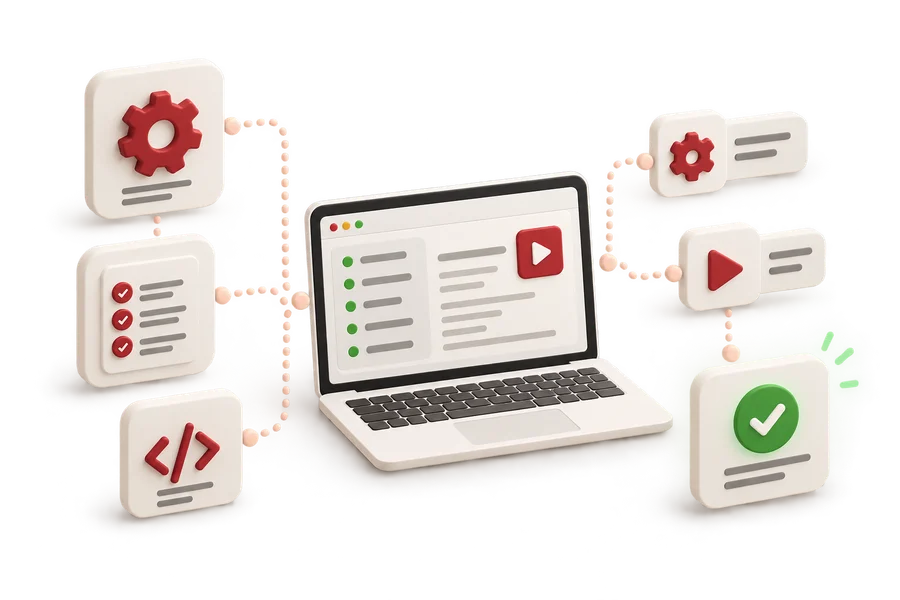
When it makes sense
Does this sound familiar?
The existing suite is unstable or has no clear owner.
Critical journeys should be checked with every release.
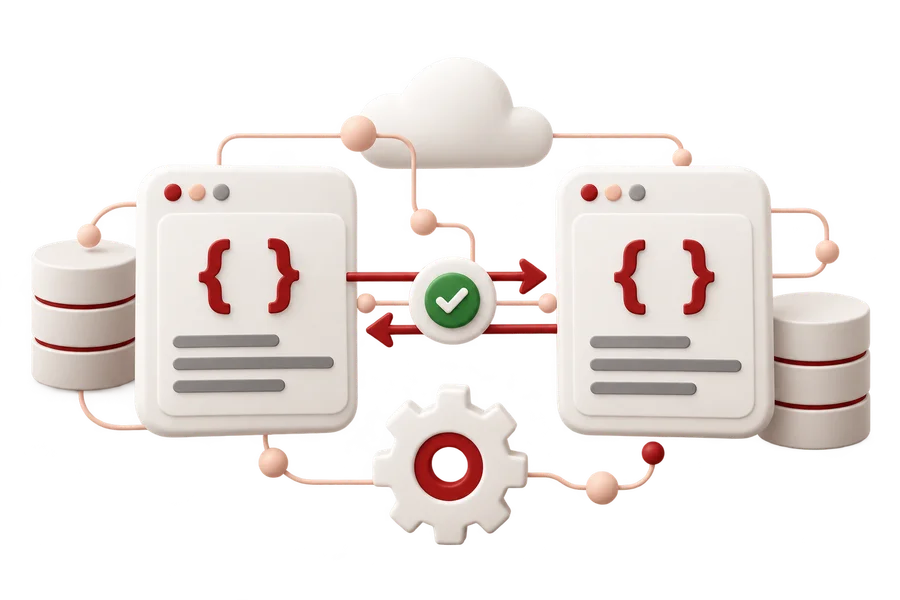
Scope
What we can own
- review of existing automation and test architecture
- strategy and valuable scenario selection
- UI, API and critical-flow tests
- CI integration and readable result reporting
- maintenance and flaky-test rules
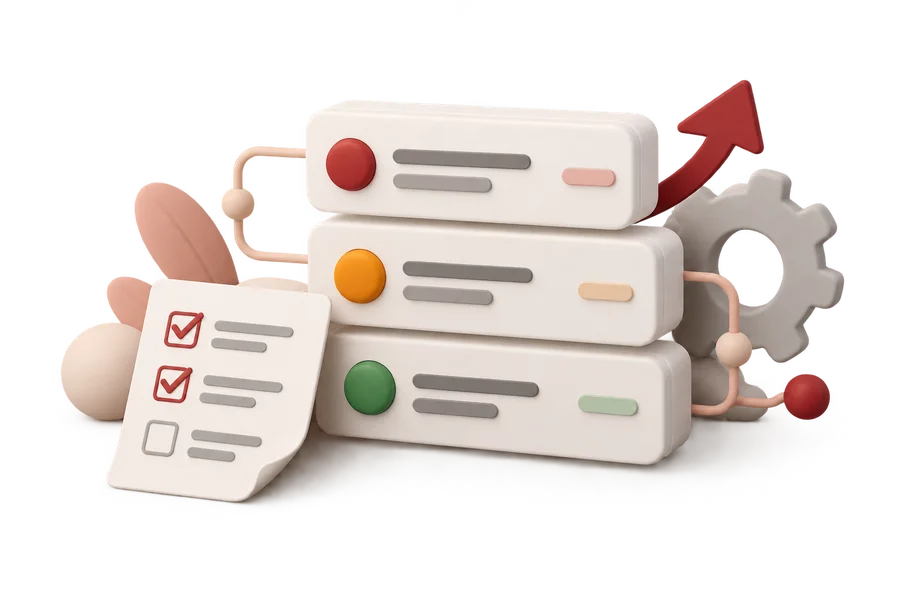
Outcome
What the team receives
- a working suite for the agreed scope
- run and maintenance documentation
- results available in the release process
- a realistic next-stage plan
First steps
Focused, without a heavy process rollout.
- 01
Review product risk and the current repository.
- 02
Choose a focused pilot scope.
- 03
Build, run and stabilise the tests.
- 04
Connect results to CI and define maintenance.
UI automationAPI automationCIRegressionFlaky testsMaintenance
FAQ
Common questions before starting.
Does manual testing still matter with automation?
Yes. Automation controls repeatable behaviour, while manual and exploratory testing help assess new risk, usability and hard-to-predict situations.
Can you take over an existing automation suite?
We can start with a review of the repository, test stability and reporting, then propose a repair or development scope.
Can you work in our tools and sign an NDA?
Yes. We agree access, communication, reporting and confidentiality before work starts.
Can you work without complete documentation?
Yes. We start with the product, team context, critical journeys and observed behaviour, recording missing documentation as a limitation.
Next step
Start with the product and the next decision.
You do not need a finished test scope. We will shape it after learning the context and respond within 24 hours on business days.